Welcome to Bridge on Long Island
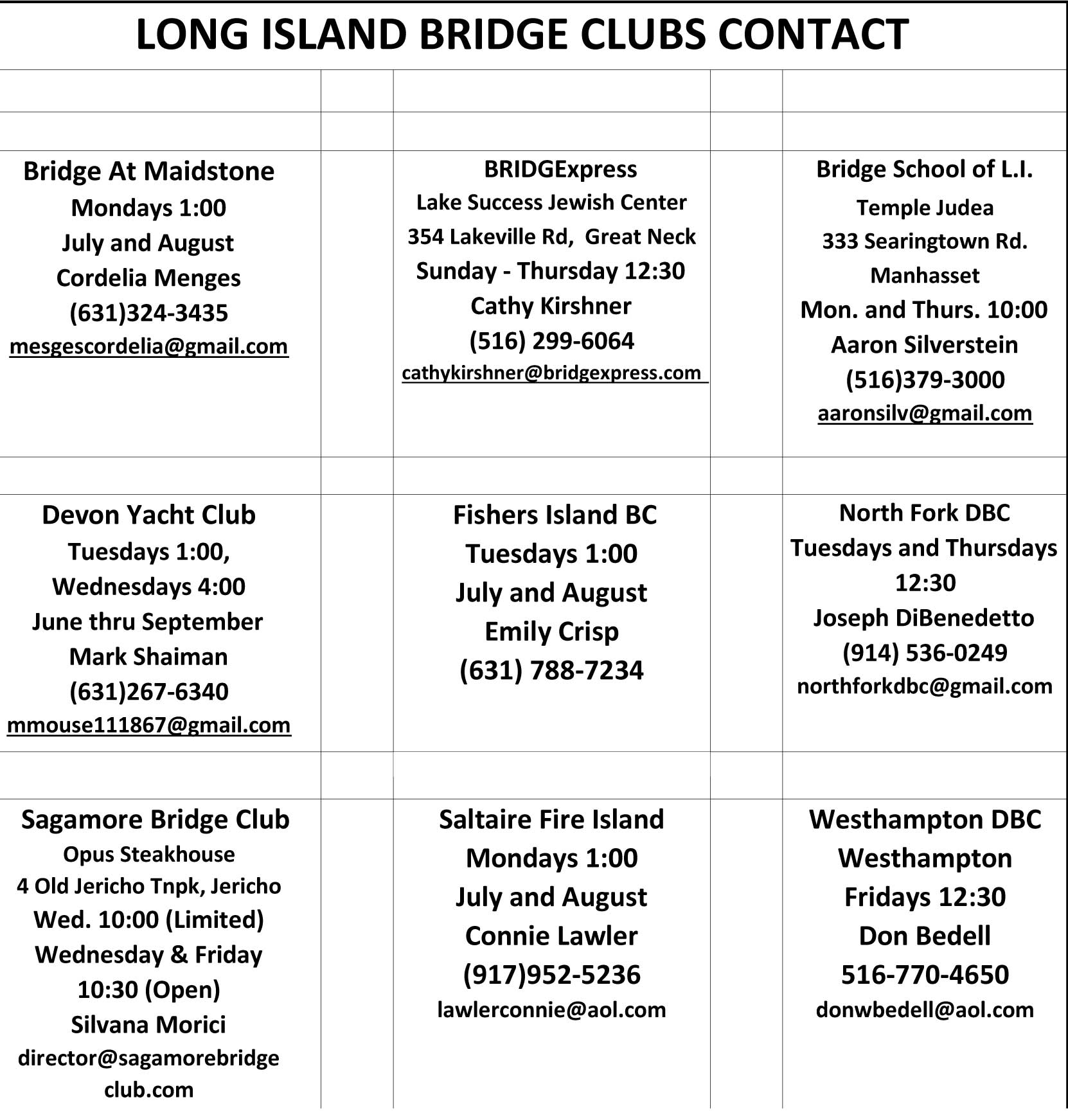
 LI Bridge Clubs
The Nassau-Suffolk Bridge Association (NSBA) represents Long Island's bridge players in a wide variety of bridge activities that take place at the local, district, regional and national levels each year. Our primary objective is to promote the growth of duplicate bridge in our area. Toward this end, we work to develop educational programs, support club initiatives, conduct tournaments, and assist in interfacing with the American Contract Bridge League which is the governing body for all sanctioned, duplicate bridge in the United States.
Our organization is run by a Board of Directors elected by our general membership. These volunteers, along with our club officials and thousands of bridge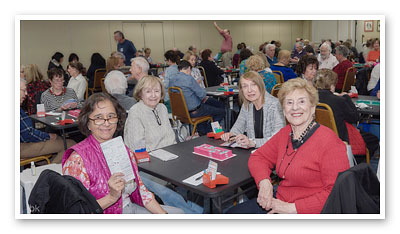 players in our area, have created an atmosphere in which friendly, competitive bridge is thriving on Long Island. At the same time and looking to the future, a devoted team of teacher volunteers have successfully introduced bridge to elementary and middle school students in our public schools in an ongoing effort to develop a new generation of bridge players. Whether as a player, a teacher, a Board member or tournament volunteer, the NSBA welcomes your participation. Please feel free to contact us through the links on this website if you have any questions, comments or concerns regarding bridge on Long Island.
One of the most rewarding things you can do for bridge is teaching fifth-grade students. It's fun, and the kids have such a wonderful time with the game. Join our team of teachers and volunteers. You need not be a bridge expert or a school teacher or bridge teacher. What you do need is a desire to work with kids for one hour a week.
We will hold training sessions so you will feel comfortable working with one of our school teams! If you are interested, please contact Carol Mathews or Jim Schneider.
Bridge for Youth Students and Winners from our 2017-2018 Year